How it works
One record, from the gate to the invoice.
Everything in Vercru starts from the moment someone clocks in on site. Timesheets, approvals, invoice checks and the crew’s next trip all read from that one record, so nobody types the week twice.
Clock-in
Beacon, location or kiosk.
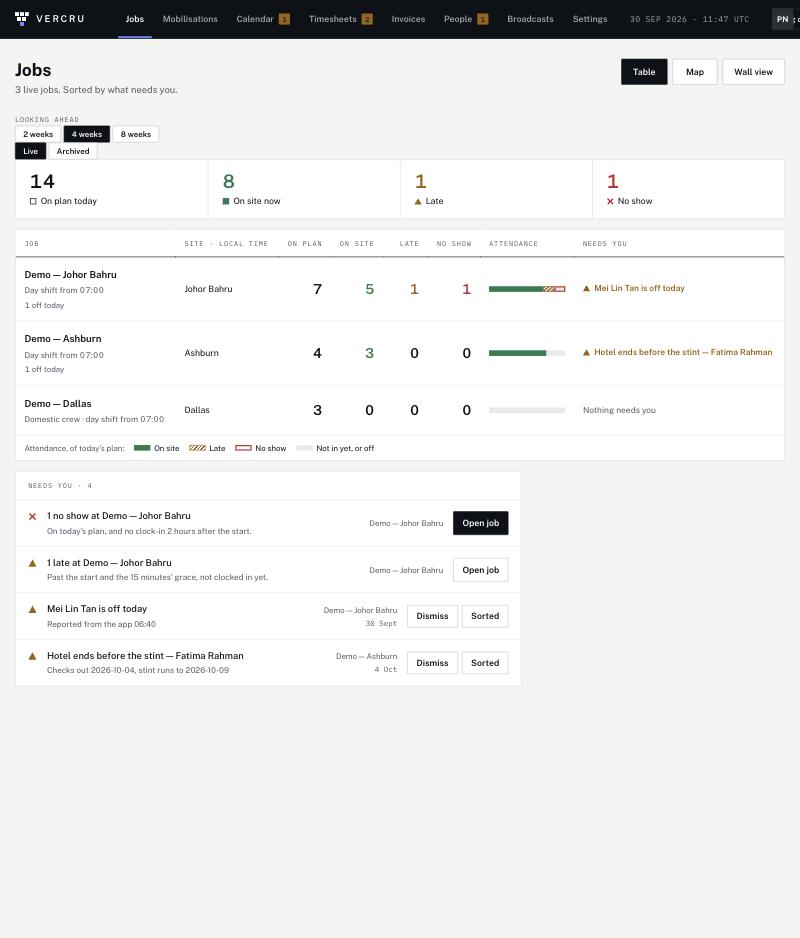
Each job uses whatever suits the site, and every clock-in records how it was made, so you can see what each hour rests on.
- A beacon at the gate confirms the worker’s phone is on site.
- A location check on the worker’s phone, inside the job’s circle.
- A shared kiosk or the office door for crews without a smartphone.
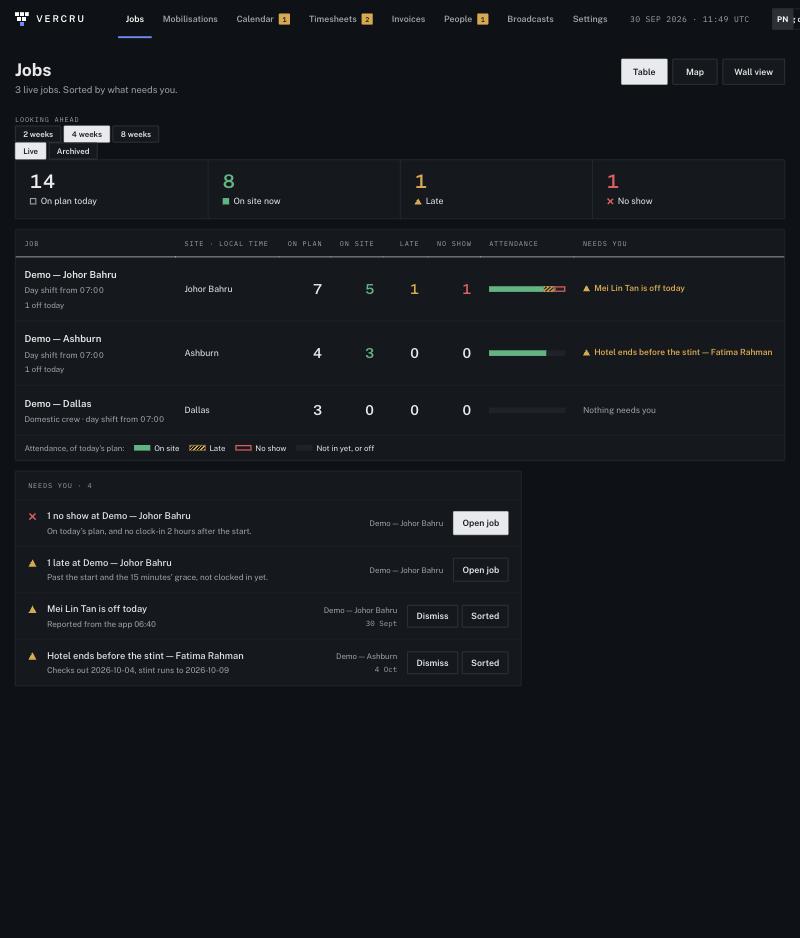
- The live board shows who’s on site, who’s late and who hasn’t arrived.
- A night shift belongs to the day it started: hours are never split at midnight.
Location only at the tap
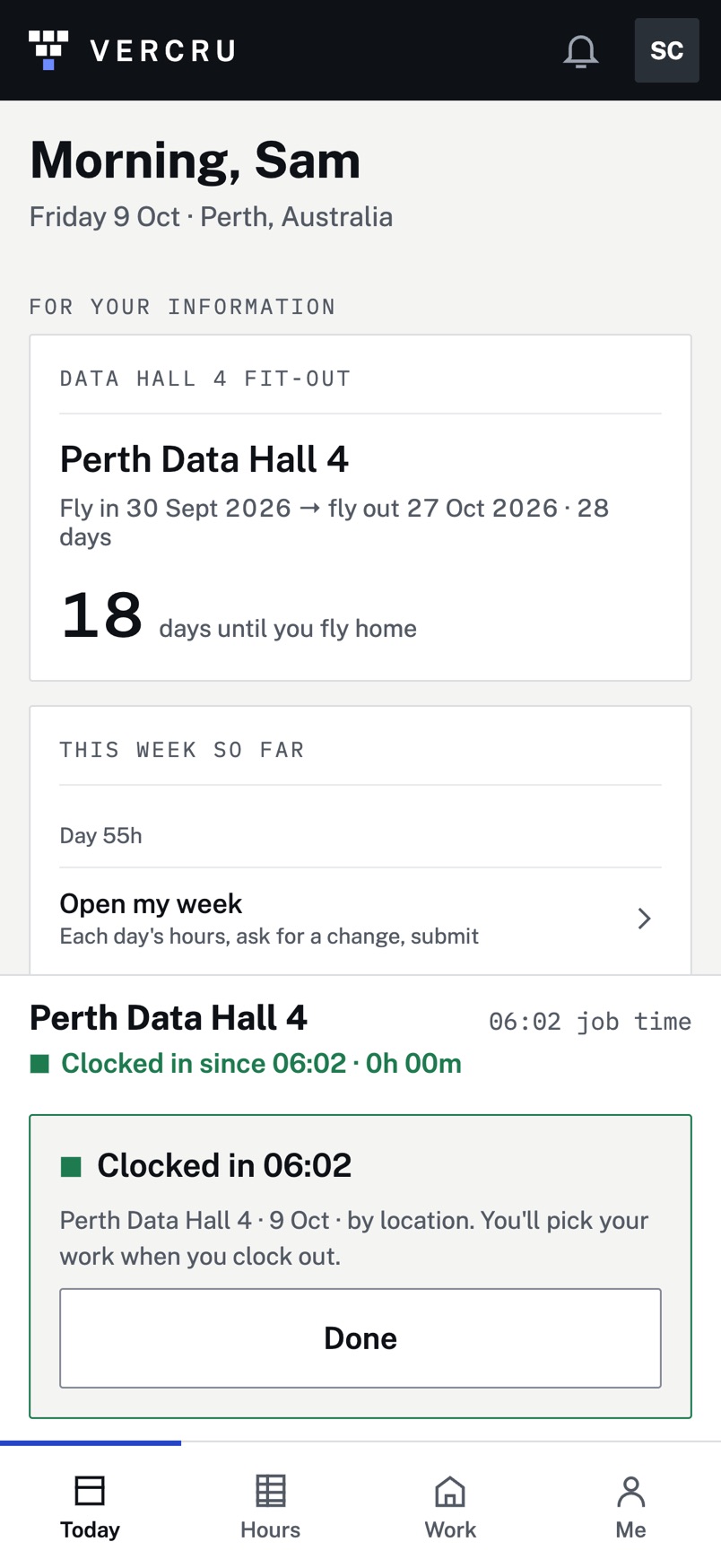
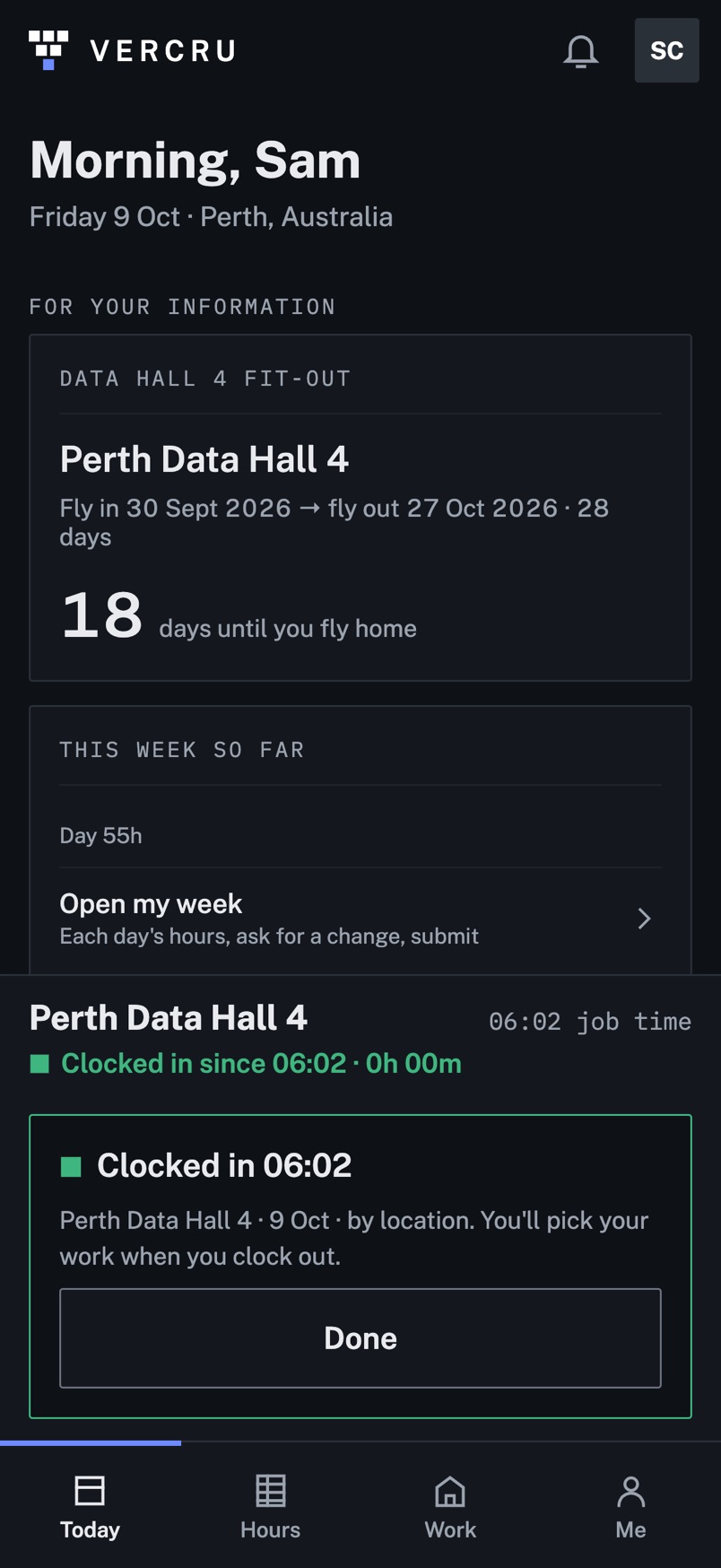
We don’t follow anyone all day. On jobs set up for it, the app reads location once, when someone taps Clock in or Clock out, to confirm they’re at the job. Never in the background, never after work, never to trace a route. Workers won’t commit to an app that tracks them, and they shouldn’t have to.
Mobilisations
Travel nobody misses.
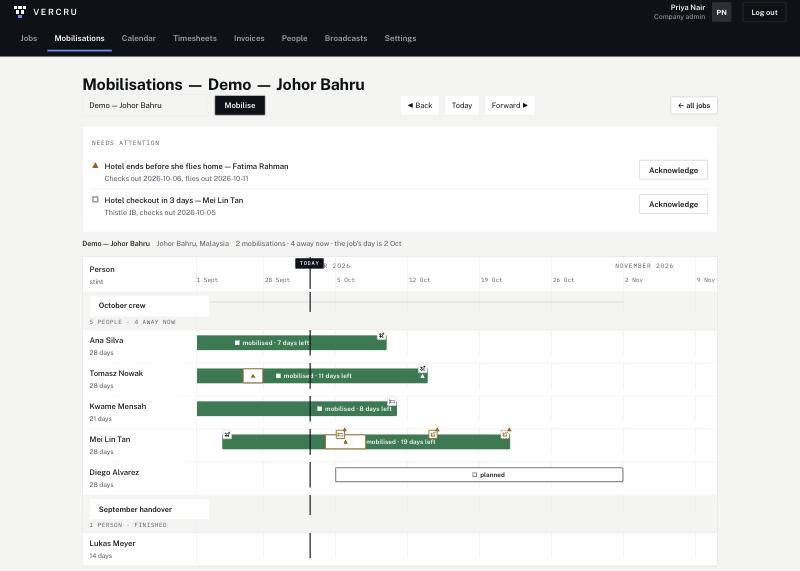
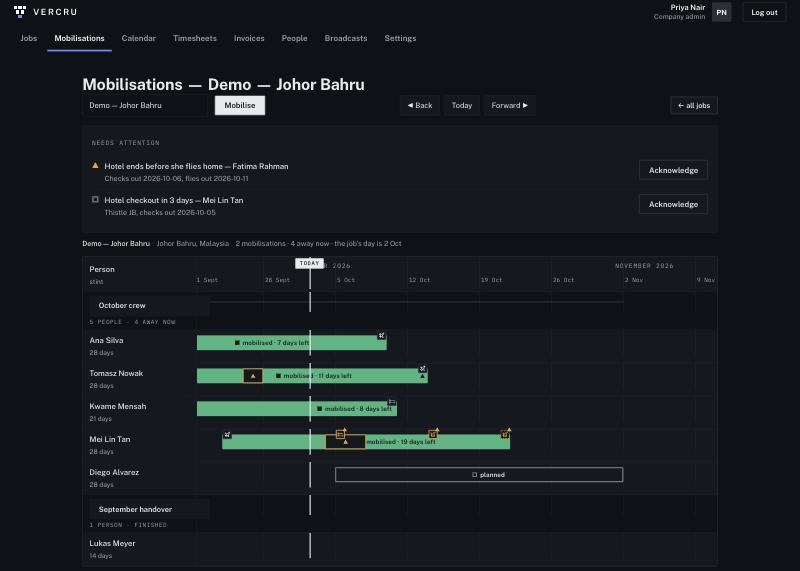
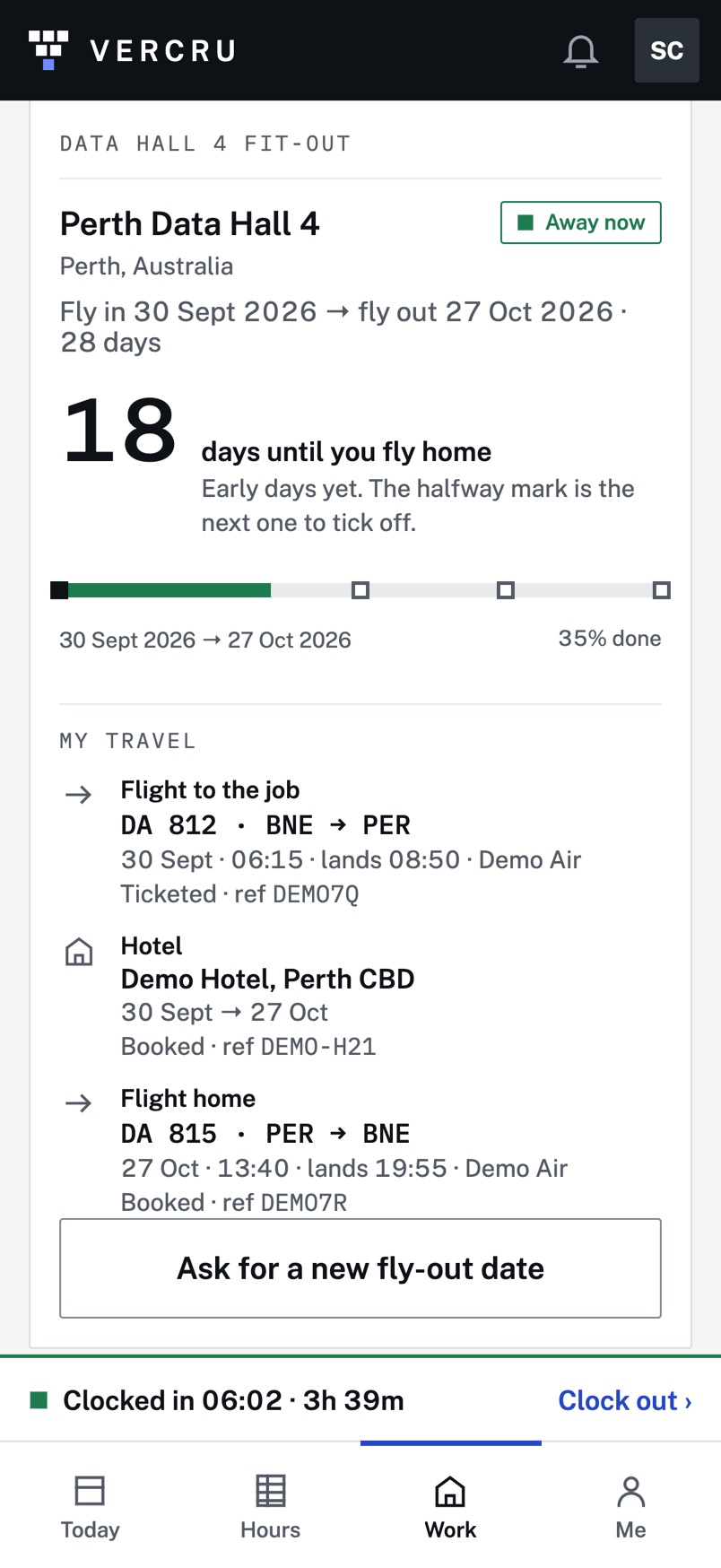
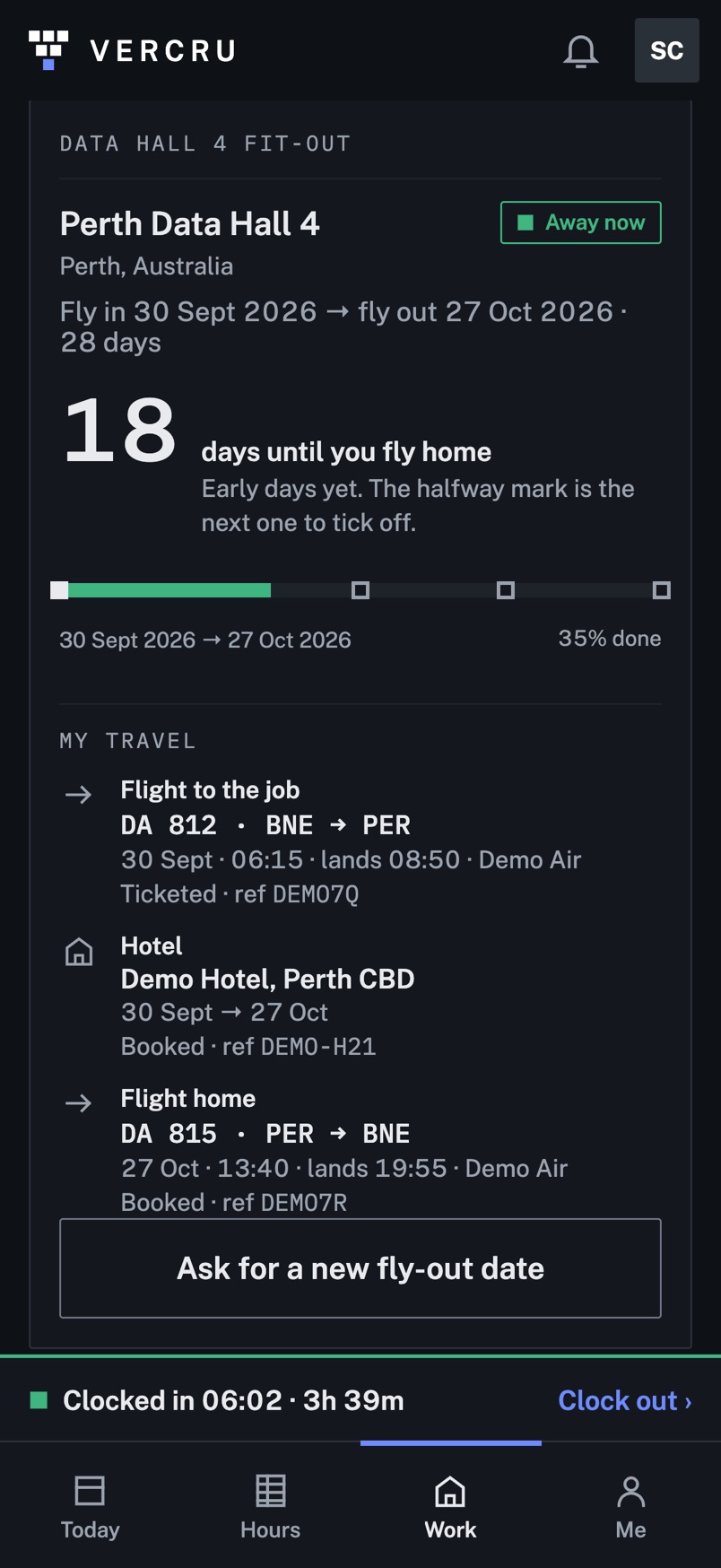
Travel usually goes out by text and email, and something always gets missed. In Vercru each person’s stint, flights and hotel go straight to their phone and onto the job’s live timeline, so the office and the engineer see the same trip. Gaps are flagged before they turn into phone calls, like a hotel that ends before the flight home.
- Domestic crews and international rotations on one timeline.
- Drop in the itinerary PDF and Clark reads the flights and hotel into the trip for you to confirm.
- Each worker sees their trip in the app as soon as it’s confirmed.
- Move someone between jobs on the same day.
Timesheets
The worker submits. You approve.
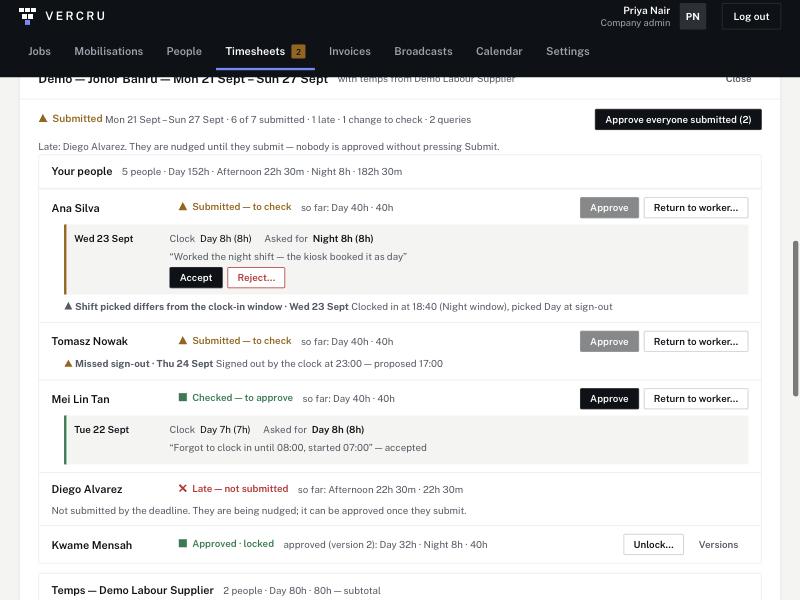
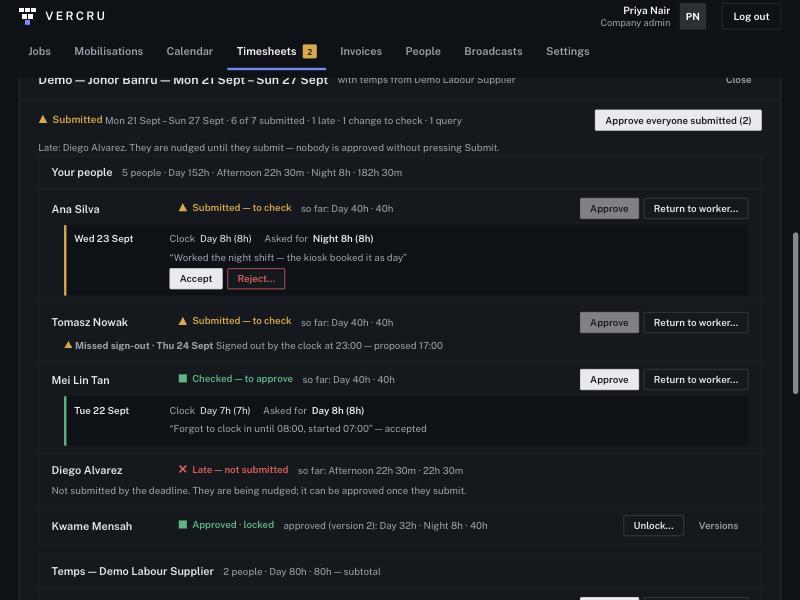
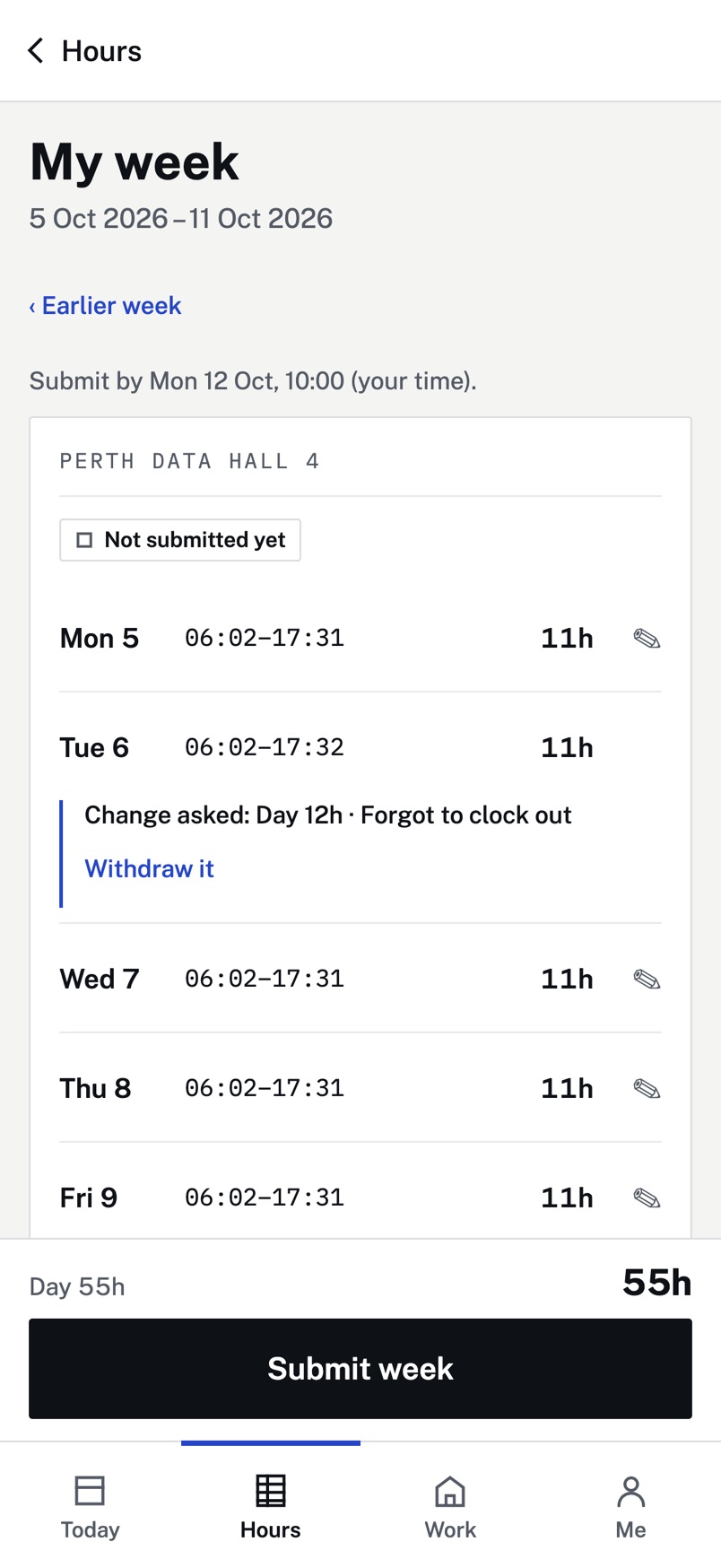
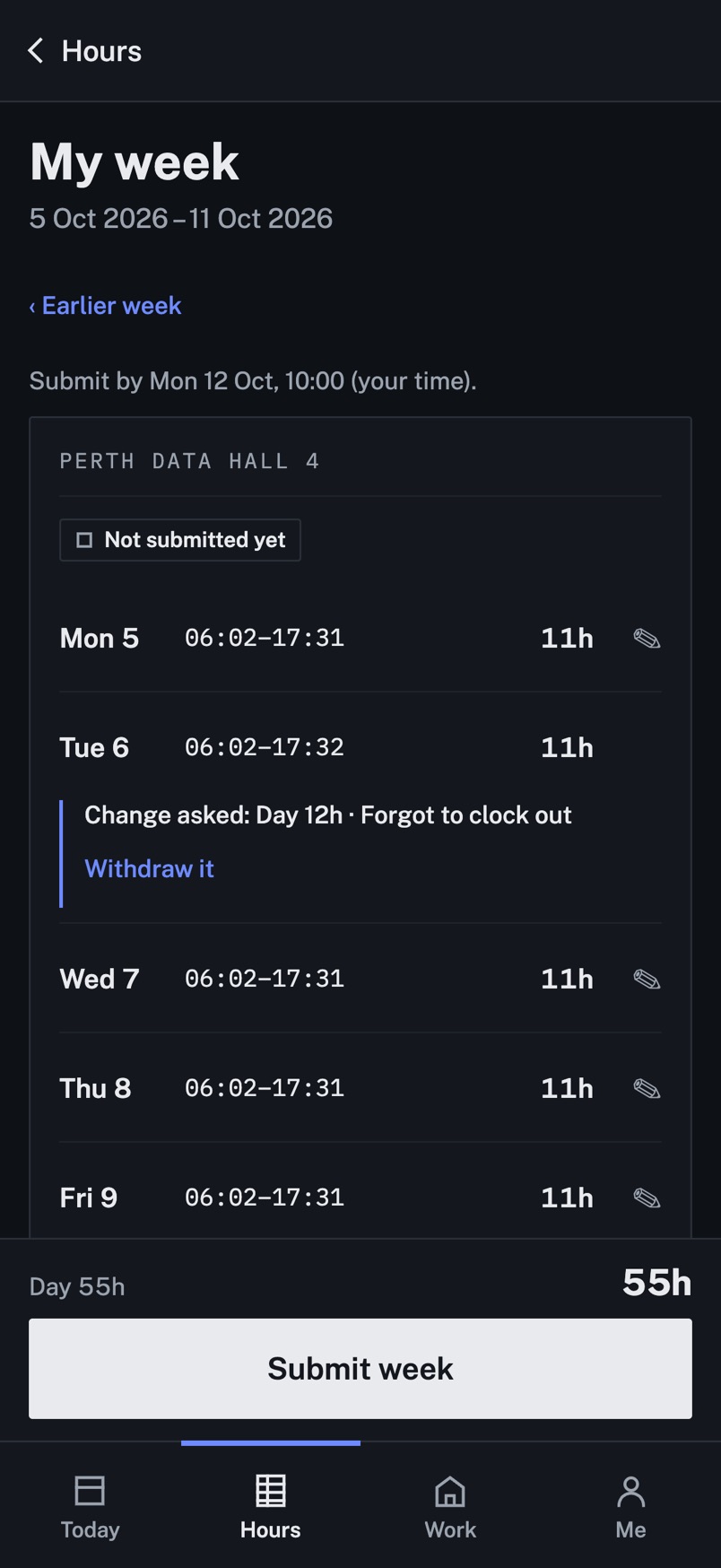
Each worker’s week starts from their clock record. They check it and press submit. If a day is wrong they ask for a change, and the request sits beside what the clock recorded, so you approve with both in front of you.
- Day, afternoon, night and crossover shifts, set per job, with paid or unpaid lunch.
- Late submitters are nudged until they submit. Nobody is approved without pressing Submit.
- Approve one person, or everyone who has submitted, at once.
- Approved weeks lock. Reopening one needs a reason and makes a new version.
- Approved hours export by shift, and arrive by email every Monday.
Invoices
Checked against the hours you approved.
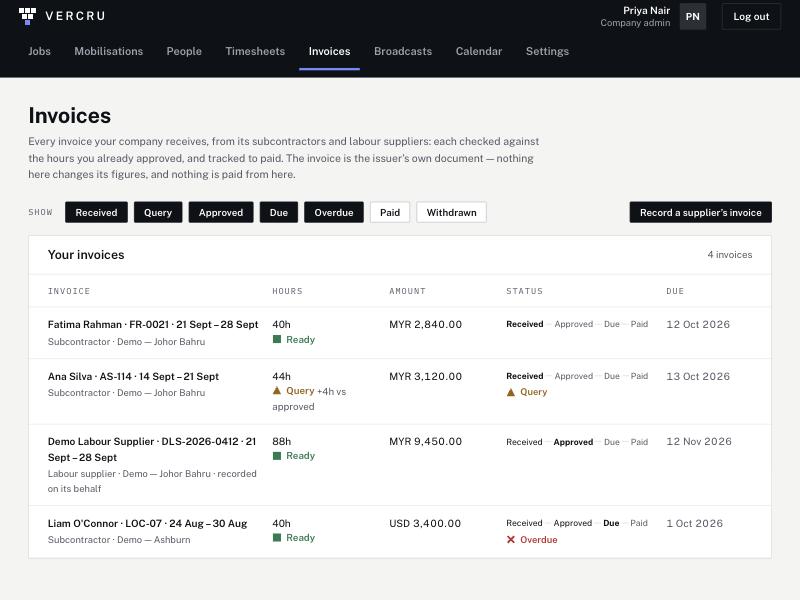
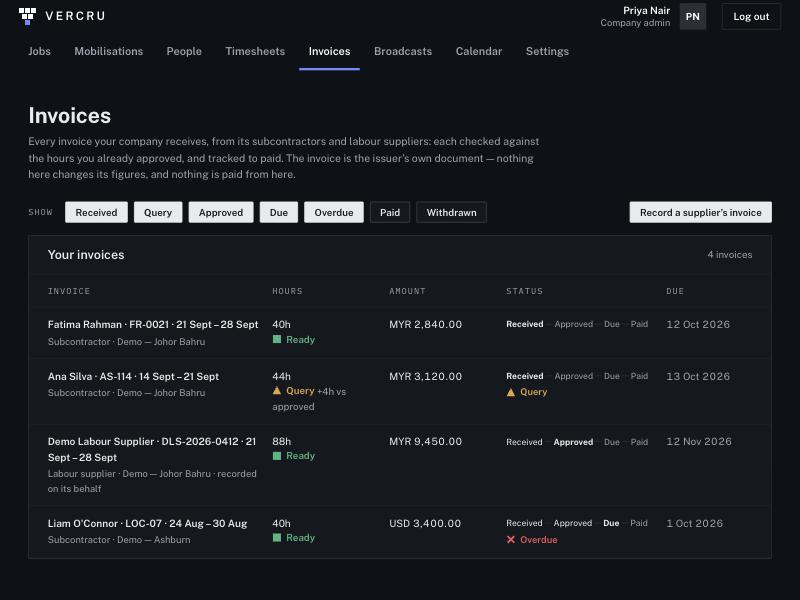
Subcontractors and labour suppliers send their invoices as they always have. Each one is recorded against its job and period and compared with the approved hours: Ready if it matches, Query if it doesn’t, with the difference shown.
- One list from Received through Approved and Due to Paid, with Query and Overdue.
- Subcontractors can upload their own invoice PDF.
- Payment terms per supplier, and a tolerance you set.
- The invoice stays the issuer’s document. Vercru never changes its figures and never pays it.
Suppliers & temps
No second sign-in sheet.
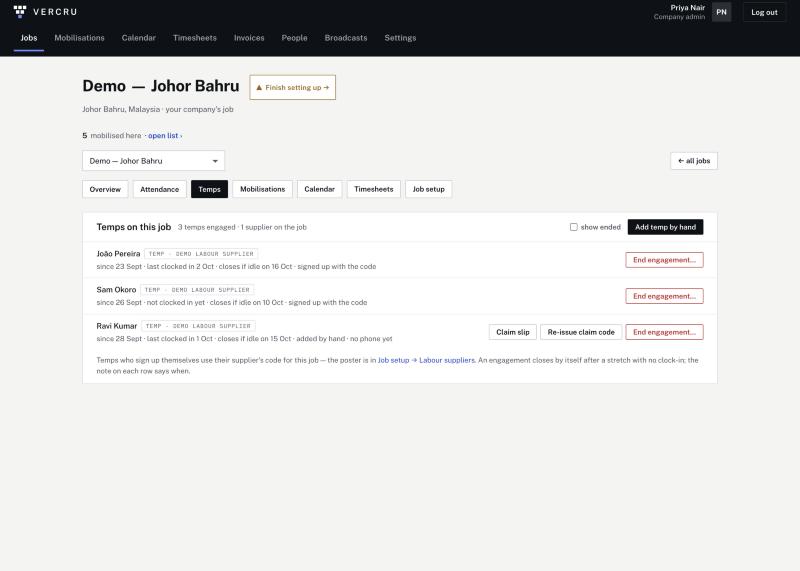
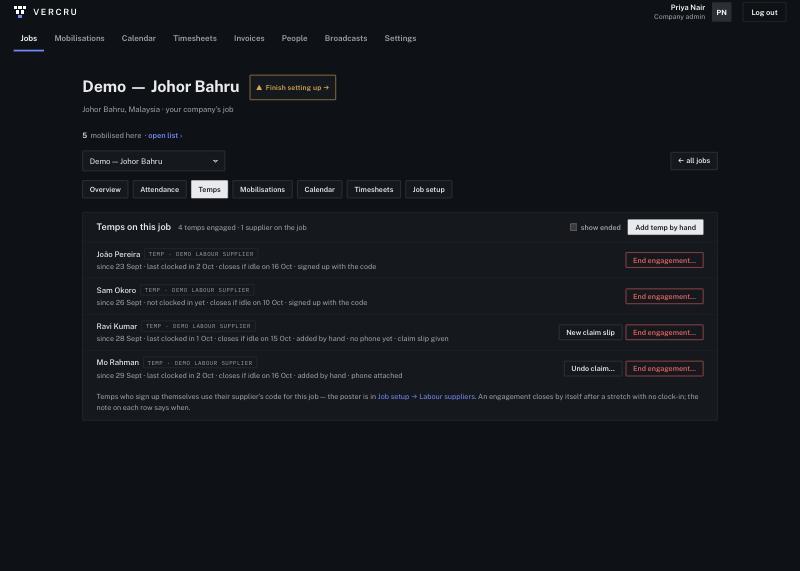
Add the labour supplier to the job and print its poster. Temps scan it at induction, and their hours land under that supplier from the first clock-in.
- Temps without a phone are added by hand and use the kiosk. A one-time claim code links their account later.
- An engagement closes by itself after a stretch with no clock-in.
- Supplier hours sit in their own section of the week, ready to check against the supplier’s invoice.
- Employees, subcontractors and temps stay separate all the way to the export.
Licences & tickets
Nobody turned away at the gate.
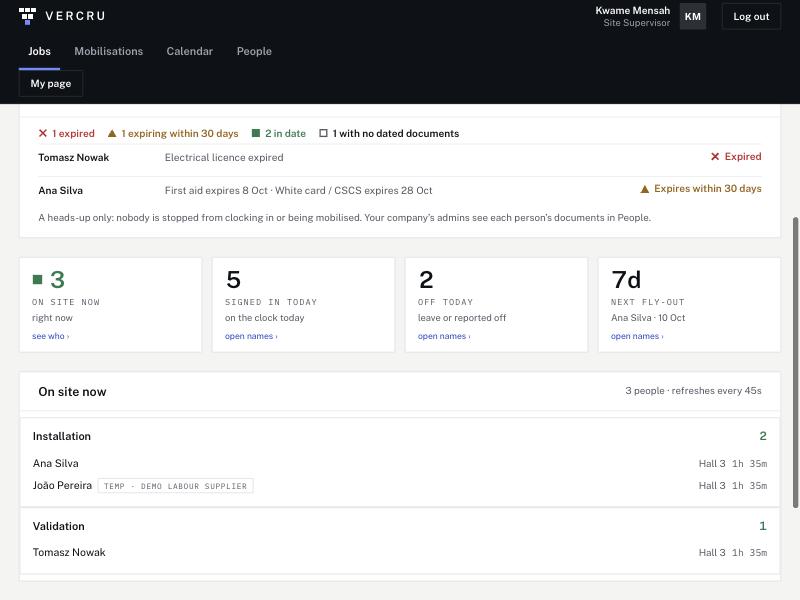
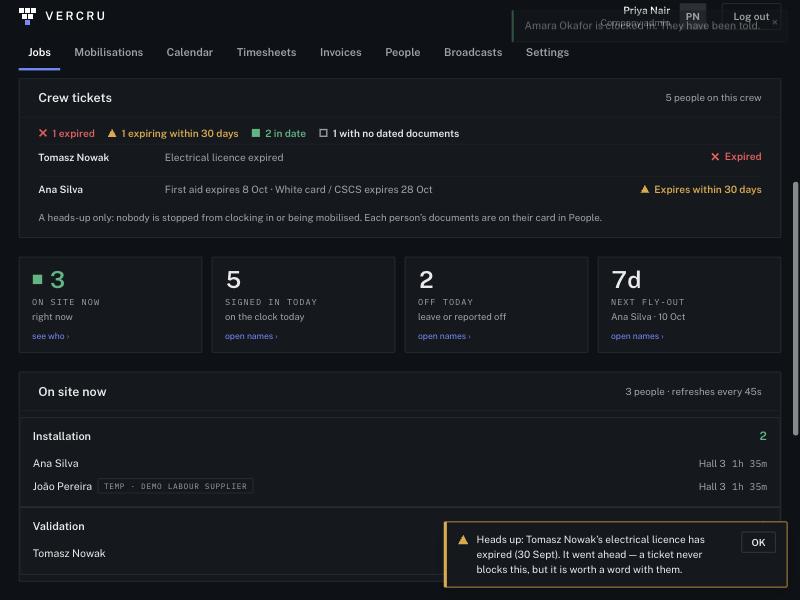
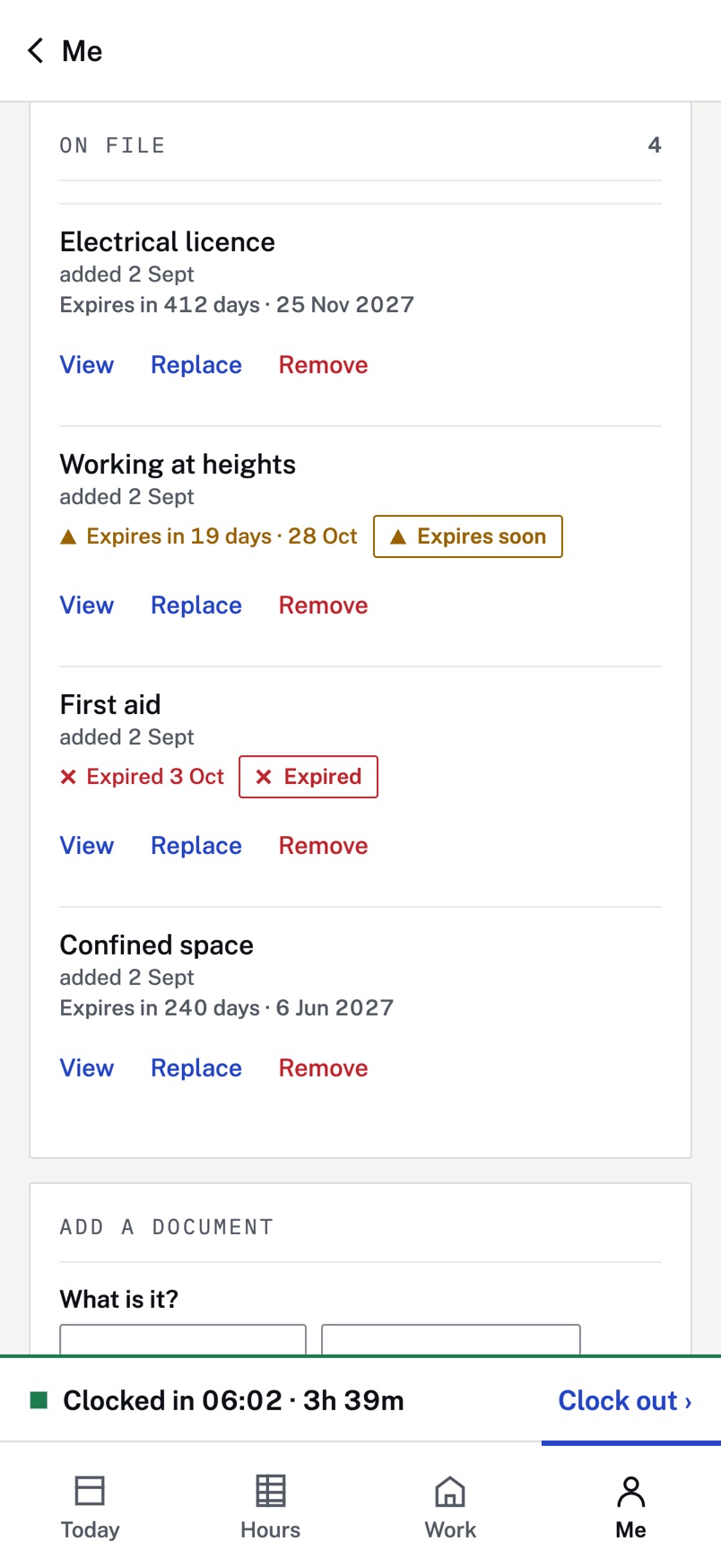
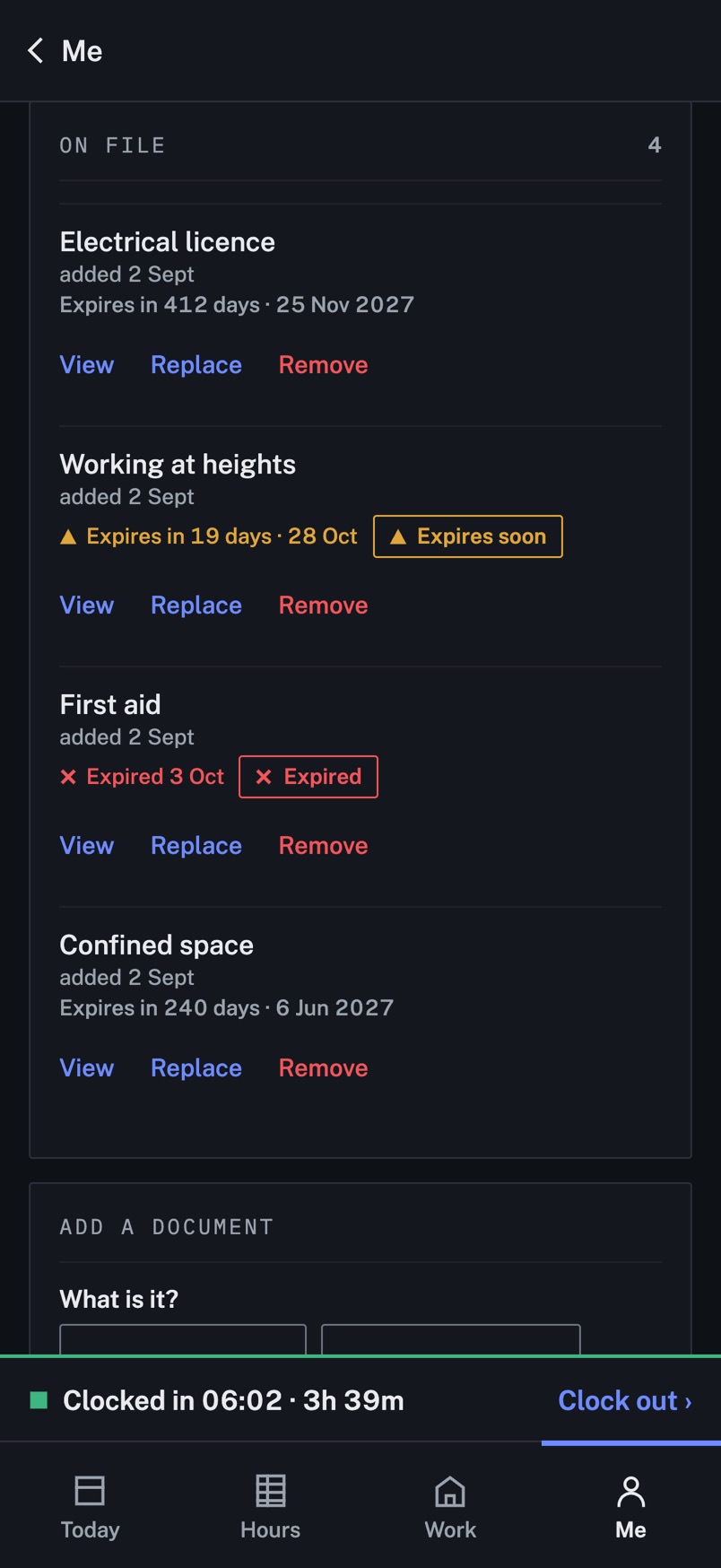
Workers photograph their licences and tickets in the app, with the expiry date. Each person and each crew shows red, amber or green, and you’re warned before anything runs out.
- The status is visible to the employer. The photos themselves are shared only with the worker’s consent.
- A heads-up, never a block: you decide who goes to site.
- A warning when you mobilise someone whose ticket has expired.
Good to know
What Vercru will and won’t do.
The clock is never edited to settle an argument
Corrections are requests that someone approves. Each approved week is versioned, so you can always see what changed and when.
Hours, not money
Vercru gives you approved hours by shift, ready for payroll. Your rates and pay stay in your payroll system, and Vercru never holds or moves money.
Each company’s data is its own
Every company’s records are walled off from every other company’s in the database itself. Workers decide whether their employer can open their document photos.